
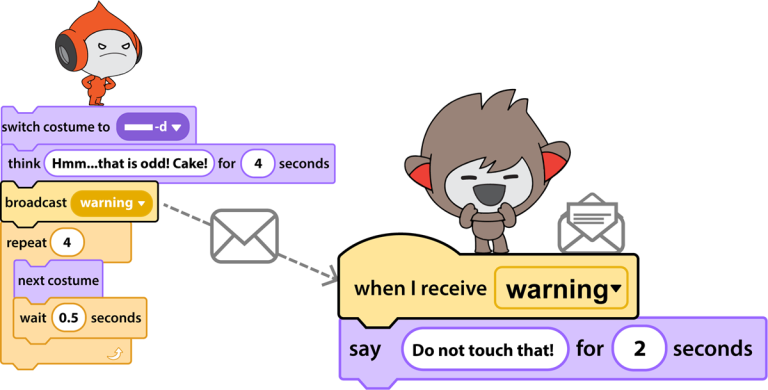
How to Broadcast a Message in Scratch
One method to direct the timing of events in a coding project is to broadcast a message in Scratch. Broadcasting sends a message to…
Recommendations and curriculum resources for teaching programming to kids in Grades 1-12. Tips for programming using Scratch Jr, Scratch, HTML, and Python.
Explore the blog
Search the TechnoKids archive or choose a topic to see matching articles.
Explore the archive
One method to direct the timing of events in a coding project is to broadcast a message in Scratch. Broadcasting sends a message to…

Adjust graphic effects in Scratch to change the appearance of a sprite. Scratch is a coding app that can be used to introduce programming…
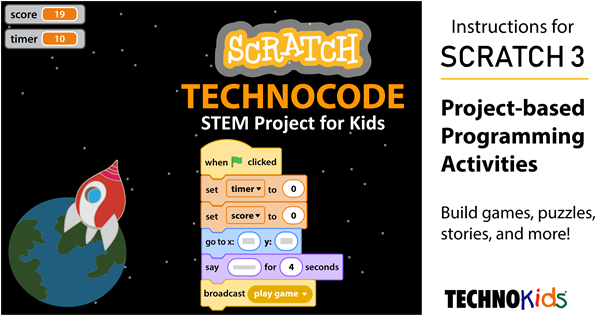
When completing Scratch activities your students will benefit from understanding ordered pairs. This is a mathematical concept that is often not taught until the…
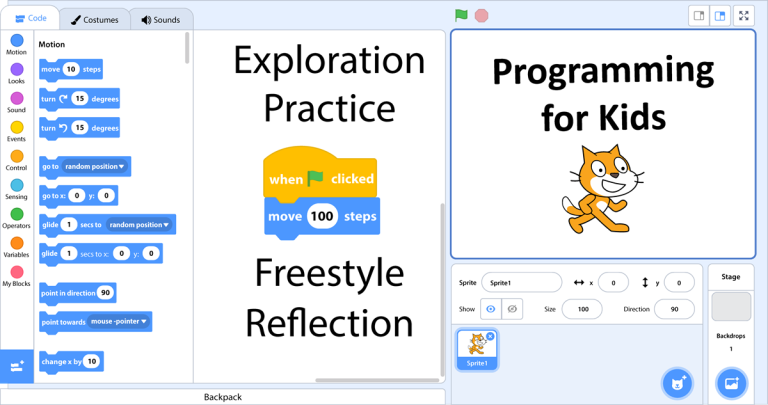
Do you want coding lessons for Scratch 3? Great news! TechnoKids just published TechnoCode for Scratch 3. It is jam-packed full of programming activities…

You can move a character diagonally in Scratch Jr to create smooth animations. This is a great way to glide an object or person…

A Scratch Jr lesson for kids that is fun to teach is how to set the speed of characters. This activity is suited to…

Do you want to copy a script in Scratch Jr from one character to another? You can! Follow these instructions to save time when…

Are you interested in coding apps for kids? Scratch Jr is a free app designed to introduce programming to children in Grades 1-3. It…
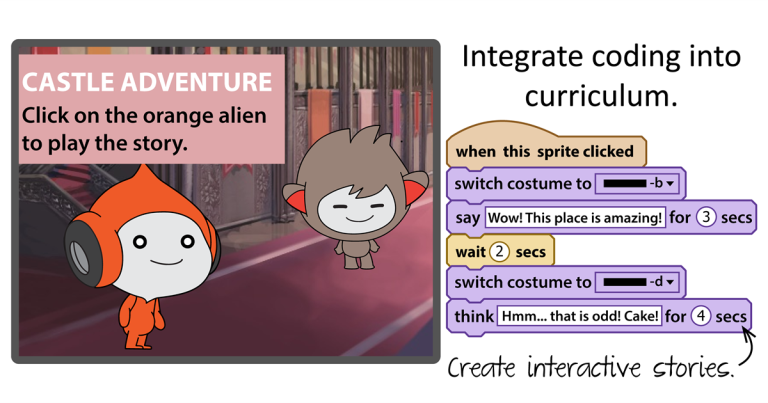
Brain research tells us that learning really ‘sticks’ when activities are both meaningful to students as well as integrated in curriculum in an interdisciplinary…