

Instantly Make a STEM Activity Students Will Love
Teachers often need a quick STEM activity that supports problem solving and computational thinking. With only a few simple materials, you can spark learning.…
Information about how to use the TechnoKids Digital Literacy and Coding Curriculum in your school or learning organization. Includes tips for device management, getting started, and teaching specific technology projects.
Explore the blog
Search the TechnoKids archive or choose a topic to see matching articles.
Explore the archive
Teachers often need a quick STEM activity that supports problem solving and computational thinking. With only a few simple materials, you can spark learning.…
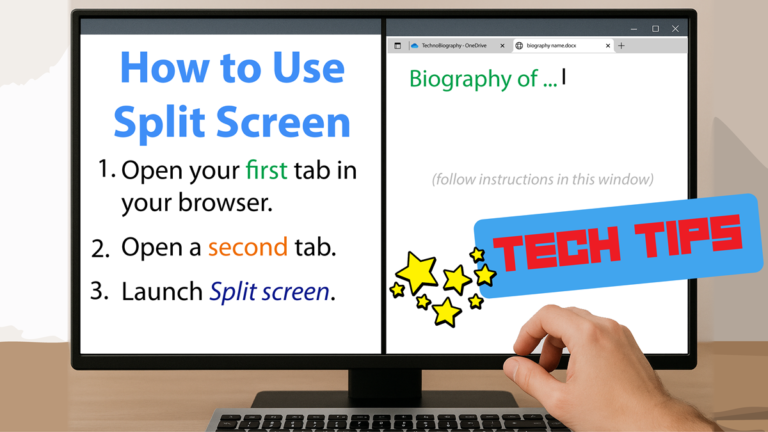
Splitting browser tabs, also known as using a split screen or side-by-side view, serves several productivity and convenience purposes. It allows you to view…
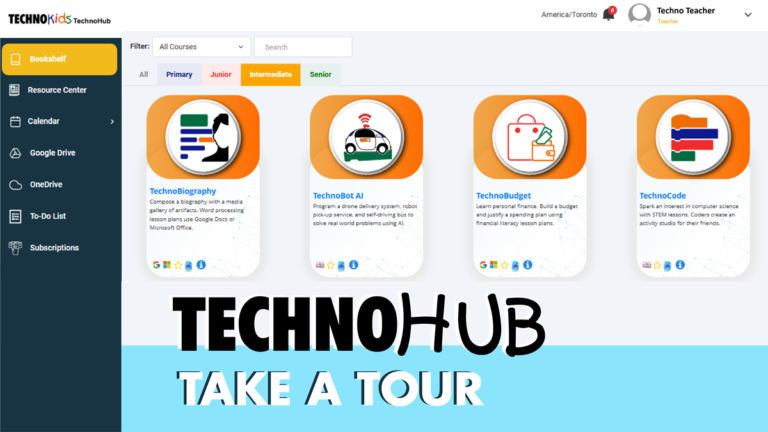
TechnoKids digital literacy and coding courses are now available on our new e-learning platform, TechnoHub. We have transformed our static bookshelf into a dynamic…

The rule of thirds is a guideline for aligning a subject in a frame using a grid with nine equal parts. Instead of placing…

You can adapt almost all TechnoKids projects to work offline. No Internet connection is necessary to complete most activities. With some slight modifications your…
Whether you are new to using OneNote Class Notebook or have been using it routinely with your students to share content, keeping it updated…

If your students store their work online, but use Windows devices when in school, an easy solution to synchronize files is Google Drive for…
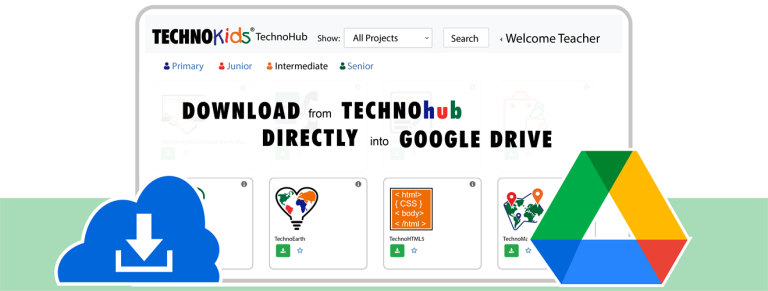
Do you want to know how to download to Google Drive on a Windows device? You are not alone. Teachers want things to be…
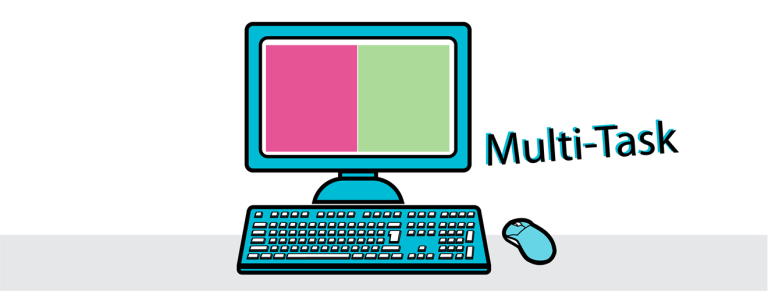
Teach your students how to view two windows side by side when using a Windows device. This will allow them to have an application,…