

Character Rigging Animation with Adobe Animate
Character rigging animation turns a static object into a character that can move its body parts to create realistic actions such as walk, jump,…
Teaching animation to children and teens in Grades 1-12. Tips for using animation software such as Animate CC, PowerPoint, or Google Slides. Learn about tweening and other techniques.
Explore the blog
Search the TechnoKids archive or choose a topic to see matching articles.
Explore the archive
Character rigging animation turns a static object into a character that can move its body parts to create realistic actions such as walk, jump,…
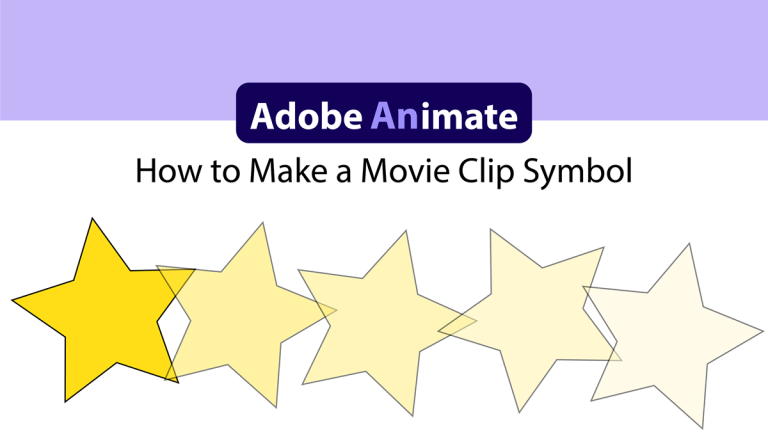
A fun Animate tutorial is to create spinning stars. Follow the instructions to make a movie clip symbol of a star that can be…

Follow the step-by-step instructions to learn how to use the Asset Warp Tool in Adobe Animate. The Asset Warp Tool uses pins to move,…
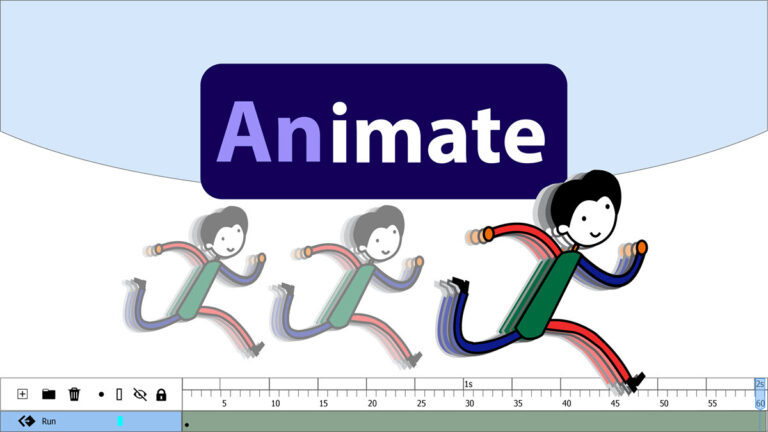
Animate 2022 for high school students that have an interest in animation, can be a fun program to include in a media arts course.…

Before your students can animate in Adobe Animate CC, they must learn how to draw objects such as lines, rectangles, squares, ovals, and circles.…

When Adobe changed the name of Flash to Animate CC, many new features were added. You can read about them here but I’m just…

Try these three fun ideas and sharpen your animation skills with Google Slides! In a previous post, I described a new TechnoKids project for…

For reluctant writers and for creative writing enthusiasts, using technology to write a cartoon is a fun, highly motivating activity. Digital storytelling sparks students’…