

Zoom Tool in PowerPoint for Awesome Presentations Part 1
Slide Zoom is a new PowerPoint tool that can make any slide show into an interactive, non-linear, and engaging presentation. It’s also an easy…
Teaching presentation skills to children and teens in Grades 1-12. Tips for arranging information onto slides using Microsoft PowerPoint or Google Slides. Strategies for effective public speaking.
Explore the blog
Search the TechnoKids archive or choose a topic to see matching articles.
Explore the archive
Slide Zoom is a new PowerPoint tool that can make any slide show into an interactive, non-linear, and engaging presentation. It’s also an easy…
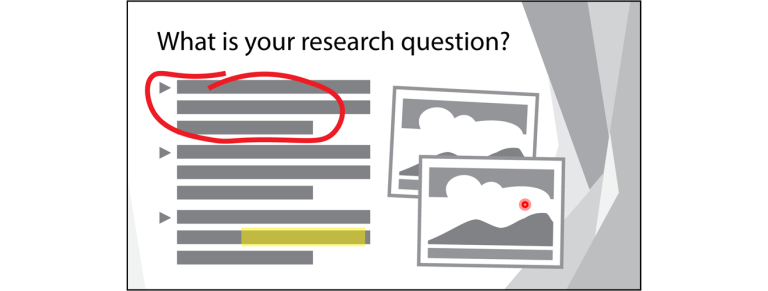
In my previous post, I explained how to use Presenter View in PowerPoint 2016. It’s a nifty feature that, if you have a projection…

Are you or your students giving a PowerPoint presentation using a projector? Do you have speaker notes on the slides to which you would…

Are you looking for bookmaking ideas? TechnoBookmaking has activities for making flip, folding, and accordion style books. Once students have finished making their stories,…

Bookmaking activities offer many benefits to students. Have your students make accordion, flip, folding books, and more. Bookmaking Activities and Templates Are you looking…
In a previous post, I reflected on the importance of teaching effective public speaking strategies. In preparation for presenting a slide show project, we…
When students share a slide show presentation they have created with the class, prepare them for success with a discussion of effective public speaking…

Starting a new school year with an All About Me project is a popular teaching strategy. There are many benefits to incorporating this unit…

Working with Google Slides and want to include a picture? You have choices!In this image workshop, there are several ways to insert images into…