
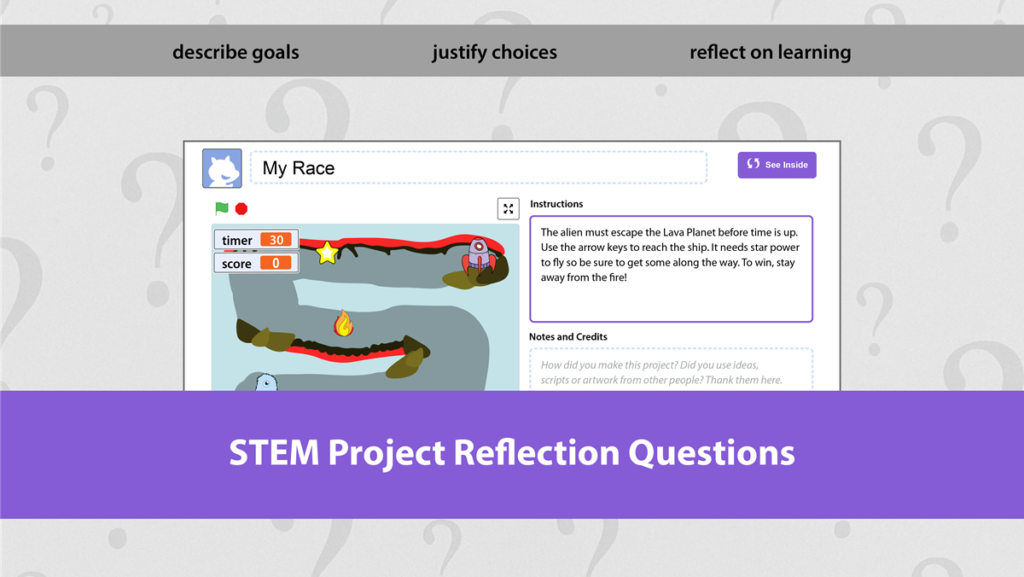
It can be time consuming to have students create their own STEM project such as a coded-animation, game, or chatbot. Often, by the time you are nearing the end of the curriculum unit, there is limited time left for reflection. However this is a critical part of learning.
CSTA K-12 Standards – Reflect on a STEM Project
According to the Computer Science Teachers Association (CSTA), communication is an essential part of program development. Students must be able to explain their goals, describe design choices, and reflect on outcomes. This reflection demonstrates understanding of the STEM project while also helping others interpret and evaluate the work. As students progress from one grade to the next, CSTA expectations increase in complexity, moving from simple verbal explanations or brief coding journal entries to formal presentations, demonstrations, and documentation created for end users.
Primary Students and Coding: Kindergarten to Grade 2
1A-AP-15 Using correct terminology, describe steps taken and choices made during the iterative process of program development.
Elementary Students and Coding: Grade Three to Grade Five
IB-AP-17 Describe choices made during program development using code comments, presentations, and demonstrations.
Middle School Students and Coding: Grade Six to Grade Eight
2-AP-19 Document programs in order to make them easier to follow, test, and debug.
High School Students and Coding: Grade Nine to Grade Ten
3-AP-23 Document design decisions using text, graphics, presentations, and/or demonstrations in the development of complex programs.
Questions You Can Ask for Any STEM Project
Primary Grades
- What were you trying to make or do?
- What was the first step you did?
- What tools, materials, or coding blocks did you use?
- What part was easy for you?
- What part was hard or tricky?
- What did you do when something did not work?
- Who helped you or how did you help yourself?
- What did you learn from this activity?
- What part makes you feel proud?
- What would you like to try next time?
Elementary Grades
- What was the goal of this project or activity?
- What steps did you follow to complete it?
- How did you plan your work before starting?
- What challenge did you face during the activity and what strategy helped you solve it?
- What mistake helped you learn something new?
- How did testing or trying again improve your work?
- What tools, materials, or coding blocks were most helpful and why?
- How did you stay focused when things were difficult?
- How do coding comments or how-to instructions help a person use what you made?
- What would you change if you did this project again?
Middle School
- What problem were you asked to solve and why is it important?
- How did you break the problem into smaller steps?
- What plan or algorithm did you create?
- What errors or issues did you encounter?
- What strategies did you use to debug or troubleshoot?
- What changes did you make after testing your solution?
- How did your design choices affect the outcome?
- How did collaboration or independent work impact the result?
- What skills or concepts did this activity help you develop?
- How does this project connect to real world situations?
- What would you improve or extend if you had more time?
High School
- Describe the purpose and constraints of this project.
- Explain how you analyzed the problem before designing a solution.
- Identify the design decisions you made and justify your choices.
- Discuss the trade offs you considered during development.
- Describe the testing methods used to evaluate your solution.
- Provide evidence that shows your solution meets the project requirements.
- Explain how iteration improved the quality of your work.
- Analyze how feedback or data influenced your revisions.
- Describe how this solution could be scaled, optimized, or applied in another context.
- Reflect on how this project developed your problem solving or computational thinking skills.
- How did you manage time and resources during the project?
- What would you refine or improve in a future version?
TechnoKids Coding Courses
TechnoKids offers a variety of coding courses that integrate goal setting, planning sheets, user feedback, and structured reflection activities. All courses are aligned with CSTA standards. Below are four courses you may wish to use with your students.
TechnoWhiz: Build animations and a simple game using ScratchJr.
TechnoRace: Design a racing game using Scratch.
TechnoPython: Create text-based games using the Python programming language.
TechnoChatbot AI: Develop chatbots to pose questions to automate repetitive tasks.