

How to View Windows Side by Side on a Chromebook
Being able to view windows side by side on a Chromebook makes completing school work simpler. It allows students to see more than one…
Information about how to use the TechnoKids Digital Literacy and Coding Curriculum in your school or learning organization. Includes tips for device management, getting started, and teaching specific technology projects.
Explore the blog
Search the TechnoKids archive or choose a topic to see matching articles.
Explore the archive
Being able to view windows side by side on a Chromebook makes completing school work simpler. It allows students to see more than one…
Do you want to know how to use TechnoKids assignments on an iPad? There are three steps you need to follow. First, you should…
TechnoKids assignments vary in their structure. The majority of assignments contain step-by-step instructions that explain how to use an application such as Docs or…
Part time school, distance learning, bring your own device – these classroom trends can all introduce a diverse mix of technology devices. Multiple devices…
Teachers are all working ‘differently’ these days as they shift to virtual classrooms. It’s a challenge! But some of these changes might even enhance…
With distance learning during COVID being our reality, making sure your students can complete tasks is not without its challenges. For the foreseeable future…
With so many different devices being used to teach technology skills, we are often asked whether iPads and TechnoKids resources are a good fit.…
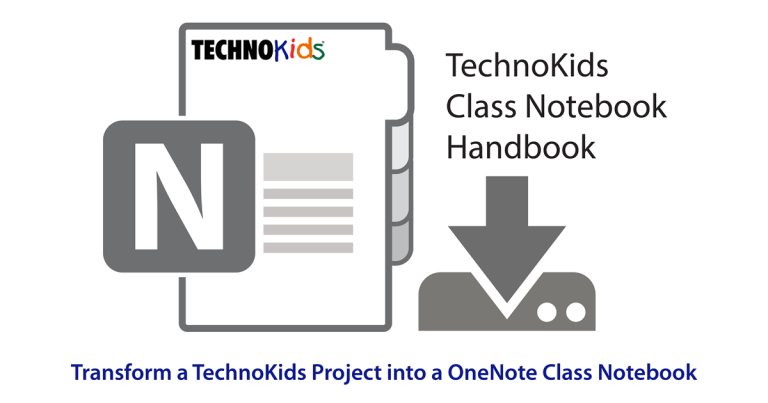
Learn how to transform a TechnoKids Project into a OneNote Class Notebook. A Class Notebook is a blend between a digital file cabinet and…
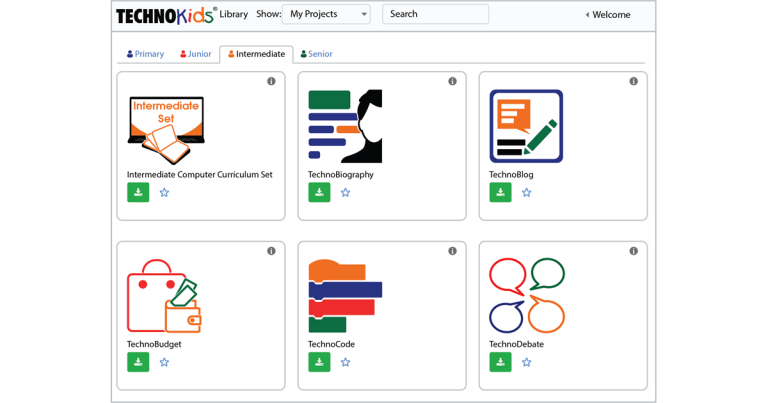
Great news! TechnoKids Inc. just launched a new digital library called TechnoHub. It organizes all your TechnoKids projects onto online bookshelves. No need to…