Author name: TechnoHella

Hella Comat, Curriculum Writer - Hella Comat is a dedicated professional, who has taught in the education system for more than 30 years. As a pioneer of technology integration in Ontario public schools she was one of the first teachers to introduce the internet, video conferencing, web design, and multimedia learning activities to teachers and students in the Halton Board. To inspire teachers to use technology, she has led sessions for the Touch Technology program, ran workshops at education conferences, and sat on numerous advisory committees related to technology-issues. In recent years she taught the Computer in the Classroom course, at York University. Her lifelong commitment to teaching and learning was acknowledged when she was honored as the recipient of the Prime Minister’s Award for Teaching Excellence in Science, Technology, and Mathematics. Hella's contribution to the blog includes entries about the importance of technology integration. Drawing from her in-depth knowledge of technology in the classroom Hella writes about teaching strategies and useful resources that can benefit your practice. In addition, she provides innovative lesson ideas that you can implement into your own curriculum.

Why Your Students Will Love Microsoft Reading Coach

If you’re on the hunt for a tool that actually helps your students with reading, Microsoft Reading Coach might be just what your classroom needs. This is a digital tutor designed to boost reading skills through fun, customizable, and adaptive learning experiences. It blends AI with proven teaching strategies to support all kinds of readers […]

Why Your Students Will Love Microsoft Reading Coach Read More »

How To Write Better Prompts For AI: 10 Tips For Success

Using AI powered tools has created an emerging digital literacy skill: text prompting. The quality of the prompt directly affects the quality of the AI’s output. A clear, specific, and well-structured input helps the AI produce more accurate, creative, and useful results. Learning how to write better prompts gives you more control and helps you

How To Write Better Prompts For AI: 10 Tips For Success Read More »

New TechnoHub Resource Center: Powerful Technology Tools For Teachers

Have You Been to the Resource Center? Come take a tour of the new Hub Resource Center. Discover how TechnoKids resources can help you to choose courses, plan curriculum, and teach technology skills. Using your trial account with free online courses for children, you will have easy access to all these practical instructional tools. Let

New TechnoHub Resource Center: Powerful Technology Tools For Teachers Read More »

all about me

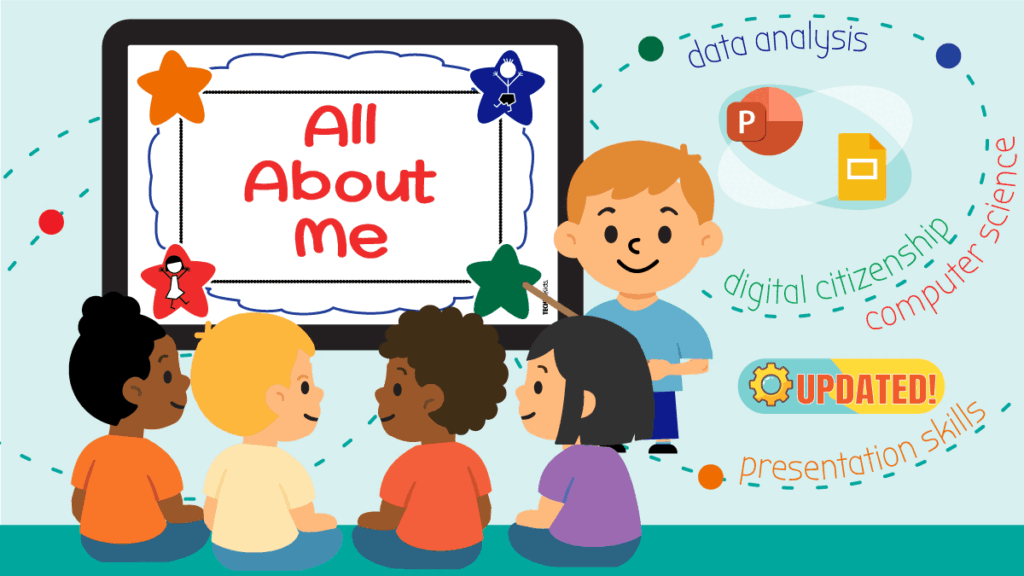
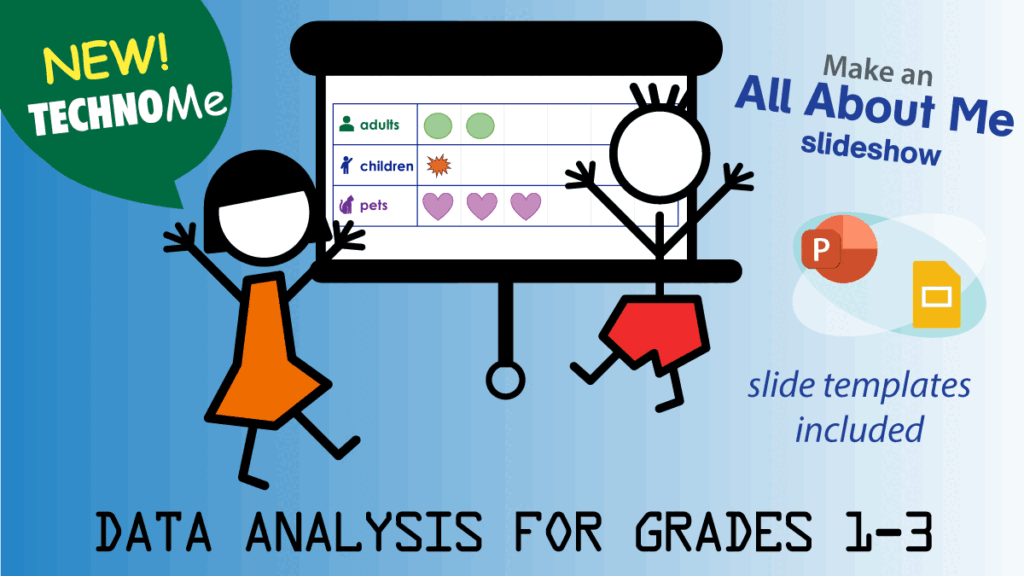
New Update! All About Me Digital Literacy Course

Exciting news for teachers of primary grades! TechnoKids has refreshed TechnoMe, a ready-to-go course that builds self-awareness, digital literacy, and foundational computer science skills. Designed for Grades 1–3, students follow clear, illustrated steps to create a fun “All About Me” slideshow-building confidence with technology while learning to share and express themselves. All About Me Slide

New Update! All About Me Digital Literacy Course Read More »

Best Free AI Image Generators For Students And Young Creators

Use AI Art Tools to Inspire Young Storytellers Looking for a new and innovative way to nurture creativity? Free AI image generators are perfect for sparking imagination, storytelling, and visual learning in the classroom. With kid-friendly AI art tools, learners of all ages can turn their ideas into stunning digital illustrations. No drawing skills required!

Best Free AI Image Generators For Students And Young Creators Read More »

executive function

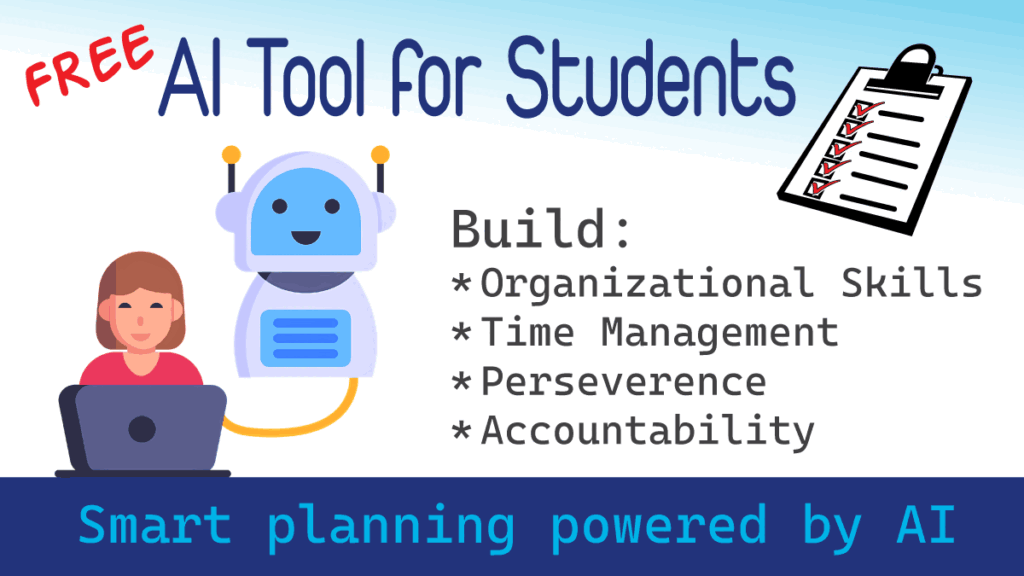
Executive Function and AI in the Classroom – Free Checklist App

In this blog series, I’ll explore AI tools that don’t do the thinking for students but instead help them become more independent, organized, and resilient learners. These tools can be especially helpful in teaching executive function skills, such as organizational abilities and behavior management. As AI becomes a permanent part of our world, many educators

Executive Function and AI in the Classroom – Free Checklist App Read More »

coding in the classroom

Coding In The Classroom: Helping Kids Create, Think, And Thrive

In classrooms today, it’s clear that students will be using AI tools, whether we plan for it or not. That’s why it’s so important for educators to guide students in using these technologies thoughtfully and responsibly. While AI can offer powerful learning opportunities, it also presents real ethical challenges, especially when it comes to academic

Coding In The Classroom: Helping Kids Create, Think, And Thrive Read More »

digital literacy course for kids

TechnoMe Course – New Digital Literacy Activities for Kids

TechnoKids‘ all-new TechnoMe course features exciting updates. Thanks to valuable feedback from teachers, we’ve added more digital literacy activities to better support your students. There’s now a strong focus on promoting responsible digital citizenship, helping kids make wise choices and collaborate effectively. Plus, we’ve introduced an entirely new session dedicated to computer science, designed to

TechnoMe Course – New Digital Literacy Activities for Kids Read More »

parsons problems

Parsons Problems: A Powerful Tool to Build Coding Skills for Students

Here’s an innovative and fun approach when teaching coding skills for students. Parsons puzzle-style problems can make learning to code resemble a game. This method asks students to write code to complete a task. Students must choose from a selection of code fragments, either putting them in order or picking the correct code fragment to fill

Parsons Problems: A Powerful Tool to Build Coding Skills for Students Read More »

How to Export and Print a List in Scratch

In the upcoming artificial intelligence project TechnoChatbot AI, students create an order chatbot. This unique virtual assistant will ask questions of the customer, help with purchasing decisions, and store the answers. It simplifies the task of transactions such as a school fundraiser for items such as cookies, flowers, or team shirts. And, it will work

How to Export and Print a List in Scratch Read More »

Scroll to Top