

How to Build Game Player Controls in Scratch
If you are teaching a game development or coding unit, you may want to know how to build player controls in Scratch. The good…
Recommendations and curriculum resources for teaching programming to kids in Grades 1-12. Tips for programming using Scratch Jr, Scratch, HTML, and Python.
Explore the blog
Search the TechnoKids archive or choose a topic to see matching articles.
Explore the archive
If you are teaching a game development or coding unit, you may want to know how to build player controls in Scratch. The good…

When teaching a game development curriculum unit use a Game Development Rubric. A rubric is an efficient way to consistently grade student work. Especially…
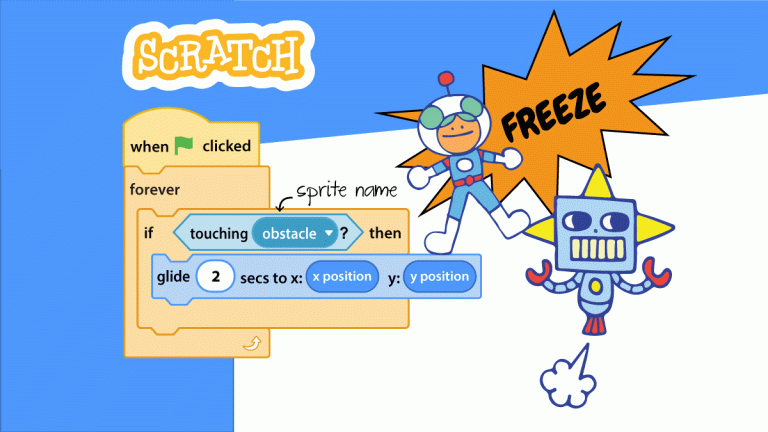
Do you want to freeze a sprite in Scratch when the player hits an obstacle? You can! It is one line of code, with…
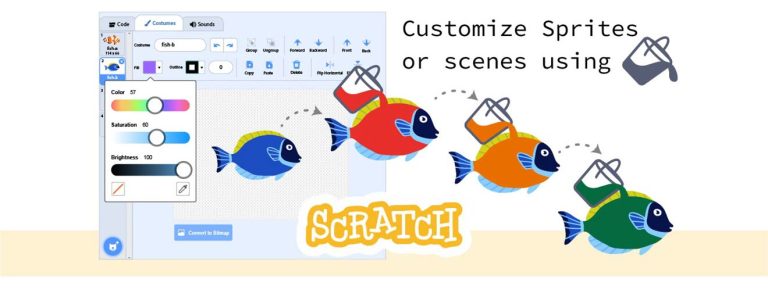
Do you need Scratch how-to tips? You are in luck! This article provides tricks for mastering the Paint Editor tools. Specifically, how to mix…
To teach computer science concepts to kids one option is to sign up for Scratch student accounts. Scratch is an online coding platform designed…
Teachers, here is a free Scratch lesson for elementary students! Use it to ignite an interest in Scratch programming. Students learn coding skills as…

One of the best Scratch teacher tips I can share is to sign up for a Teacher Account and then make Class Studios to…
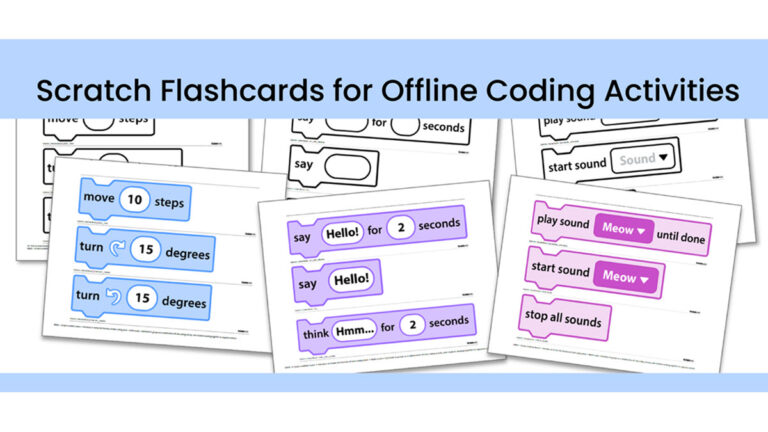
In my previous post, I described some classroom games to play with Scratch flashcards. Scratch flashcards are a resource available with the purchase of…
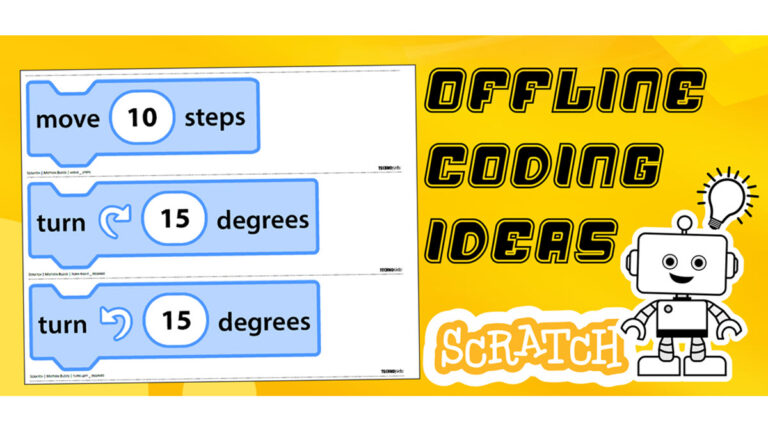
TechnoKids provides teachers with resources they can use to teach an offline coding activity. All TechnoKids customers have access to free Scratch coding blocks.…