gradients in google docs

How to Add Shapes in Google Docs

Here’s a fun Google Docs activity: students design their own custom color shades to fill shapes with gradients in Google Docs. Follow the step-by-step instructions to learn how to create unique images for reports, stories, newsletters, and more! At the end is a how-to video with a Google Docs tutorial. This free Google Docs lesson

How to Add Shapes in Google Docs Read More »

word art with google docs

Free Lesson How to Add Word Art to Google Docs

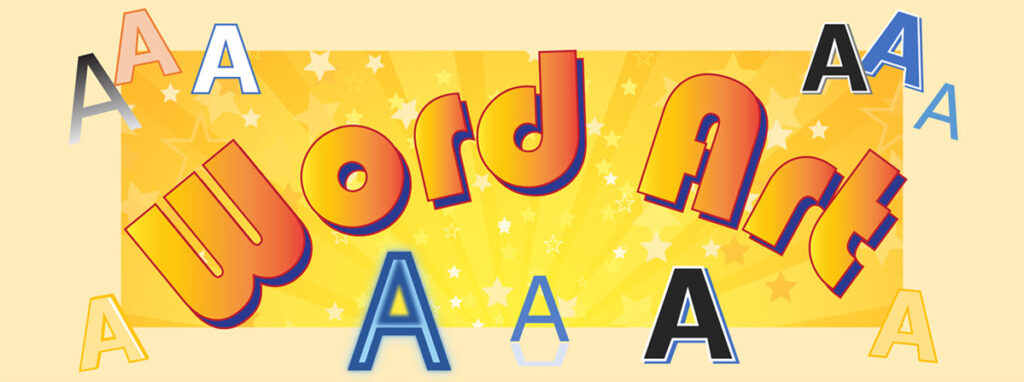
Discover how to add Word Art into a Google Doc with this free lesson. Instructions in this post, explain how to use a Drawing Canvas to produce eye-catching text. It is fun to customize the colors, border, and typeface to create decorative titles. This how-to article is from the TechnoKids technology project TechnoEditor. This teaching

Free Lesson How to Add Word Art to Google Docs Read More »

environmental curriculum unit

10 Reasons to Teach an Environmental Curriculum Unit

As teachers, we want to teach an environmental curriculum unit that inspires students. One of the main goals is to empower them to become responsible stewards of a healthy planet. Stewardship presents real world conservation issues that require students to make connections to their own lives. When environmental education is combined with a creative technology

10 Reasons to Teach an Environmental Curriculum Unit Read More »

how to add word art in microsoft word

How to Have Fun with Microsoft WordArt

Discover how to have fun with WordArt. WordArt is a graphic object that transforms text into art by applying design elements such as fills, outlines, shadows, and more! It is a terrific way to make a document eye-catching. The decorative special effects draw attention to the text. Microsoft WordArt tools offer a myriad of combinations

How to Have Fun with Microsoft WordArt Read More »

word processing

Fun Word Processing Lessons for Google and Word TechnoEditor

Great news! TechnoEditor, an engaging introduction to word processing, has just been released for Microsoft 365 and Google Docs. This project teaches basic yet essential technology skills and is ideal for Grades 4-9 students. Jam-packed with key tools and techniques, it has been a fan favorite with educators in the past. Teachers noticed that it

Fun Word Processing Lessons for Google and Word TechnoEditor Read More »

versus assignment or material

Assignment or Material in Google Classroom – What is the Difference?

A source of some confusion when developing a course in Google Classroom is whether to post an Assignment or Material. It is important to distinguish between these two options. Keep reading to understand the differences. In Google Classroom, on the Classwork tab, teachers can schedule posts. These can contain instructions and resources for students participating

Assignment or Material in Google Classroom – What is the Difference? Read More »

Scroll to Top