pivot table

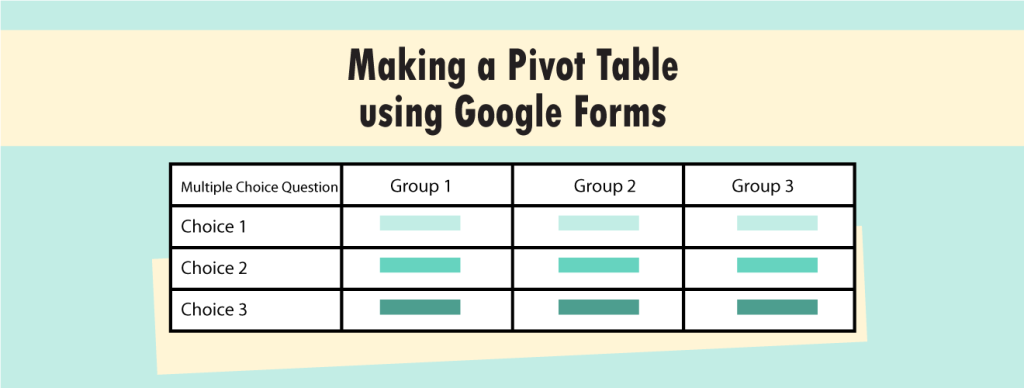
Use Google Forms to Make a Pivot Table

You can make a pivot table of data from Google Forms to compare questionnaire responses. When students create a survey, they will likely ask demographic questions about the people answering the questionnaire. Demographics include data about a person such as age, gender, grade, class, or role such as student, parent, or teacher. These factors may

Use Google Forms to Make a Pivot Table Read More »

google forms survey question

Survey Questionnaire Ideas for Students Using Google Forms

A survey questionnaire is a list of questions given to a group of people to gather information about their behavior, options, or beliefs. Data is then analyzed with the results being used to show what a larger group of similar people might do, think, or believe. People use survey questionnaires to gain an understanding about

Survey Questionnaire Ideas for Students Using Google Forms Read More »

google forms graphs

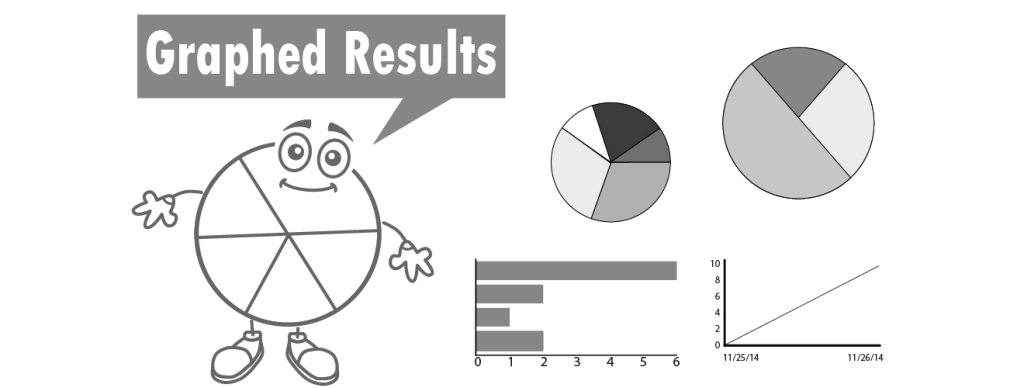
Google Forms and Graphed Results

Recently, I developed a technology project that uses Google Forms. In this project, students become researchers. They develop their own research question, select a sample, design a questionnaire, conduct a pre-test, administer the survey to a sample group, and analyze the data to report the findings. It has been fun to write and I can’t

Google Forms and Graphed Results Read More »

google forms for students

5 More Reasons to Use Google Forms with Students

Google Forms is a web-based app to create forms. It is ideal for teachers and students. With Google Forms it is easy to conduct polls, administer surveys, assess using a quiz, and register event attendees. In the previous post, several reasons to use Google Forms were listed. If you still are not convinced the Google

5 More Reasons to Use Google Forms with Students Read More »

google forms in the classroom

5 Reasons to Use Google Forms with Your Students

Google Forms is a web-based app used to create forms for data collection purposes. Students and teachers can use Google Forms to make surveys, quizzes, or event registration sheets. The form is web-based and can be shared with respondents by sending a link, emailing a message, or embedding it into a web page or blog

5 Reasons to Use Google Forms with Your Students Read More »

free online keyboarding apps

Teach Keyboarding with Free Online Apps

Learning to keyboard is an essential skill, but it’s challenging to engage and maintain student interest in typing practice. Some schools purchase software to teach keyboarding skills, but there are many free options available. With a browser and an Internet connection, you can access an extensive variety of drills, games, and typing tests. You can

Teach Keyboarding with Free Online Apps Read More »

Scroll to Top